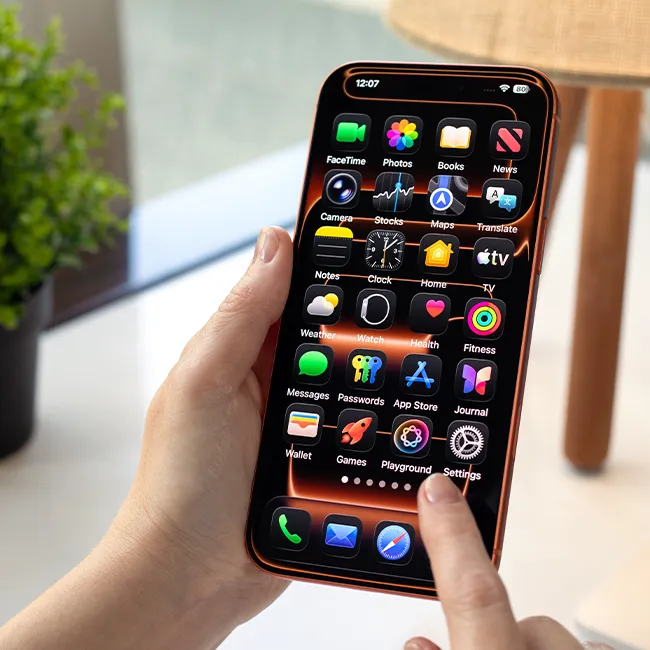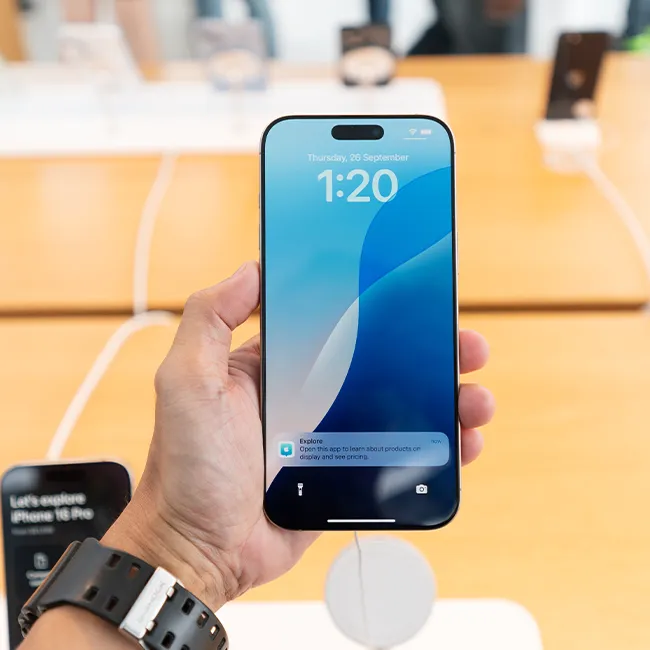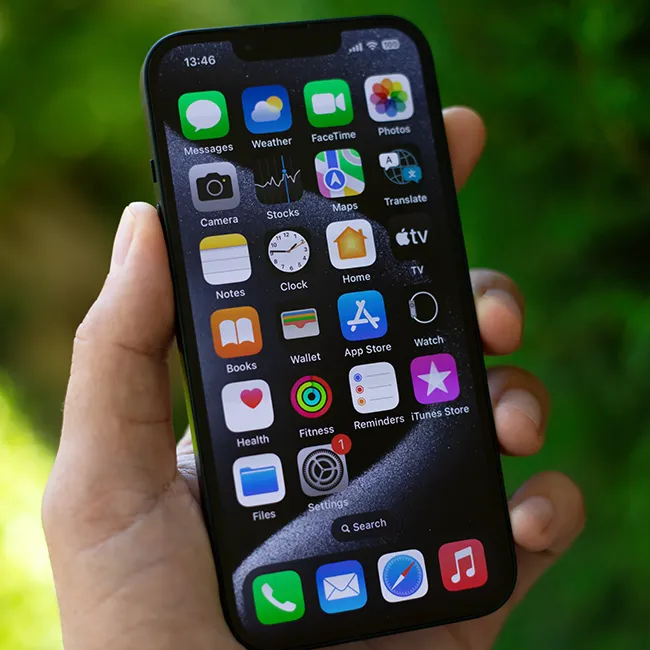





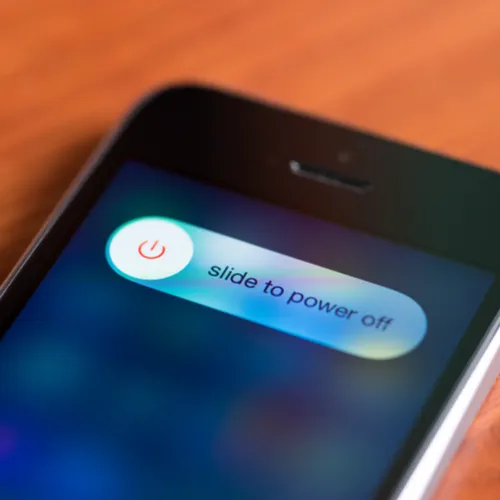
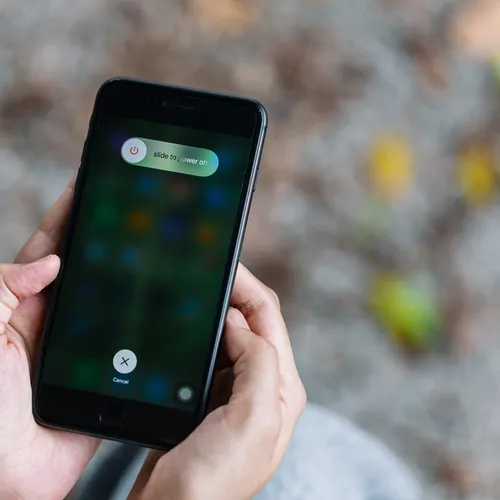
Restarting your iPhone involves press and holding the Side button until the “Slide to power off” slider appears. Once you drag the slider, your device will be turned completely off. But how often you should power off, what the benefits of doing so are, and if there are any risks or steps to avoid is the real question. We spoke to a technology expert to get the lowdown:

The Difference Between Dragging Through Your Day And Feeling Great On Your Feet? These Arch Support Insoles
Restarting vs. Updates
"iPhone's are pretty stable devices. As long as you keep them charged and minimize the number of apps running in the background, you can keep them running for months at a time," Burton Kelso, The Technology Expert at Integral tells us.
"On the odd occasion, you might have to restart your iPhone because of a hiccup or a glitch. Restarting your iPhone will never harm it unless you decide to restart it when it's performing an update to the operating system," he explains.
Updates, or iOS updates, can complicate thing. "Updates need to be allowed to do their thing," he warns. "Sometimes, these updates come at the worst time. It's tempting to attempt to restart your iPhone to stop these updates and get back to your phone, but doing so can turn your iPhone into a brick, resulting in a loss of data."