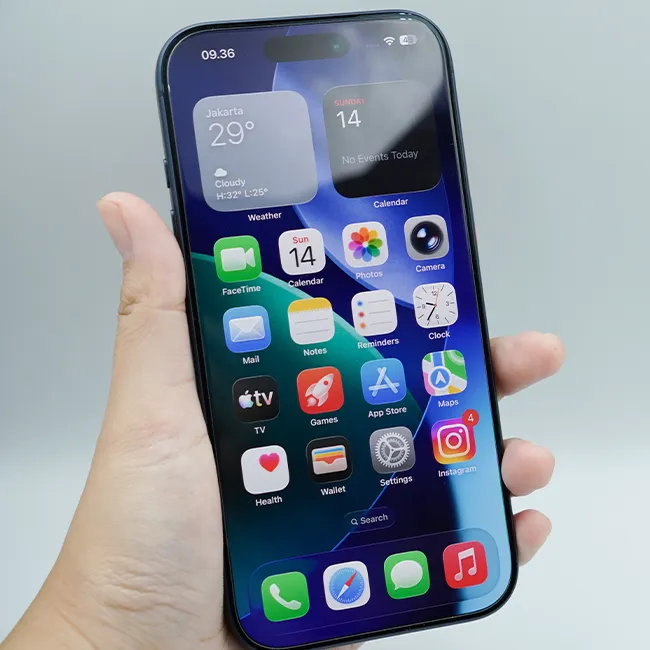






When your iPhone starts to run low on battery, it’s easy to feel stressed, frustrated, and overall anxious, especially if you’re not near a charger.
There are so many tips out there and a whole lot of things that can contribute to a frequently draining iPhone battery. Sometimes certain apps drain it, full storage can make it go faster, and more. However, a lot of people tend to fail to look at their settings, where there are actually some great battery-saving features hidden. Read more about two of them below.

The Difference Between Dragging Through Your Day And Feeling Great On Your Feet? These Arch Support Insoles
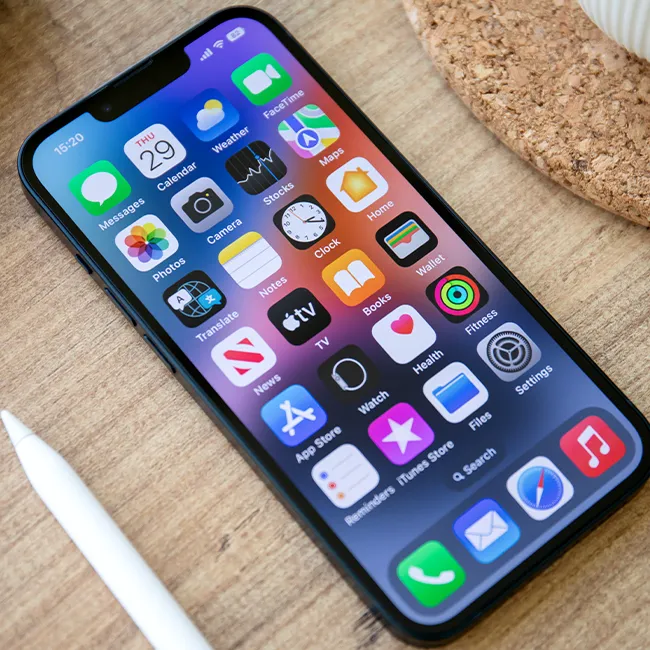
1. Auto-Brightness
A lot of people tend to forget just how much an iPhone's display settings, brightness, etc., can impact their iPhone battery. However, when your screen is super bright, and your iPhone has settings like Auto-Brightness turned off, it's much more likely to drain your battery life.
"Running the screen at maximum brightness or leaving it on for long periods drains the battery quickly," explains tech expert Steven Athwal. "Enabling Auto-Brightness and shortening the Auto-Lock time ensures the screen dims and turns off when you're not using it, which can help your battery stretch throughout the day, or multiple days."

2. Background App Refresh
If you're looking for an iPhone setting that can start saving some of your battery life almost instantly, it's Background App Refresh. It stops your busy and updating apps from working too hard behind the scenes, even when you don't have them open and aren't using them.
"The biggest hidden drains are Background App Refresh," adds Athwal. "If it's enabled, it'll update your apps even if you aren't using them. Social media, email, and news apps can repeatedly check for updates throughout the day, which keeps the phone's processor and network active. Turning this off for non-essential apps can really reduce passive battery drain."