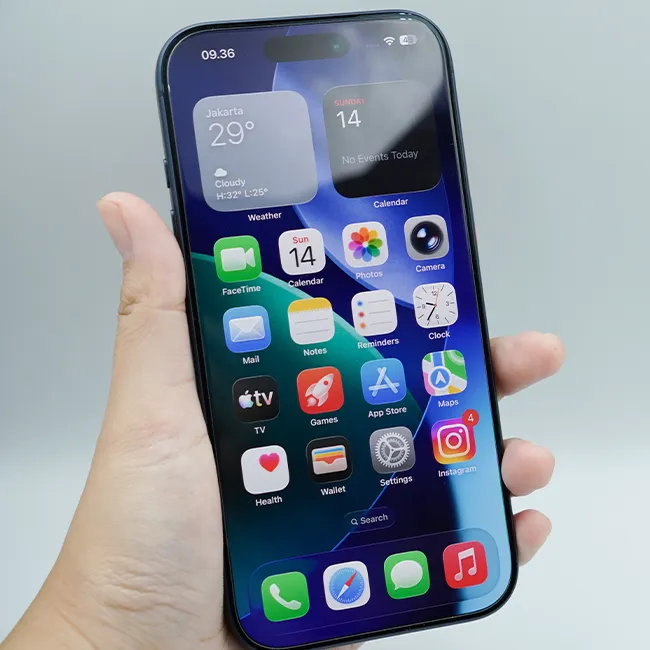





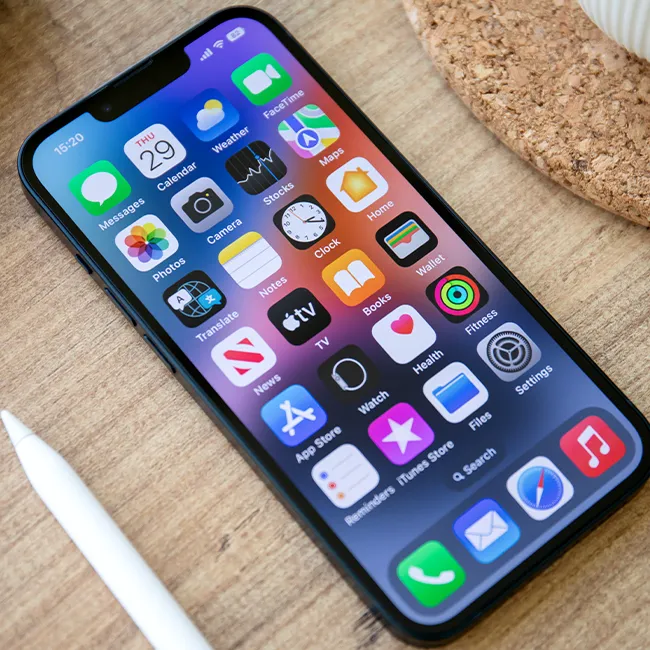
Owning an iPhone can be a really awesome experience, that is, until it starts freezing up and slowing down on you.
Having a slow iPhone is something that users have to deal with from time to time, and it’s never fun. When your phone is lagging, it can make a lot of your daily tasks more difficult. Before going to the Apple store or local tech shop to see if your phone is dying on you or breaking, it’s actually a good idea to take a look at the apps you have downloaded. As it turns out, they can have a bigger impact on your device’s speed, storage, and more than you think. Read more about the three apps you should consider deleting below.

The Difference Between Dragging Through Your Day And Feeling Great On Your Feet? These Arch Support Insoles
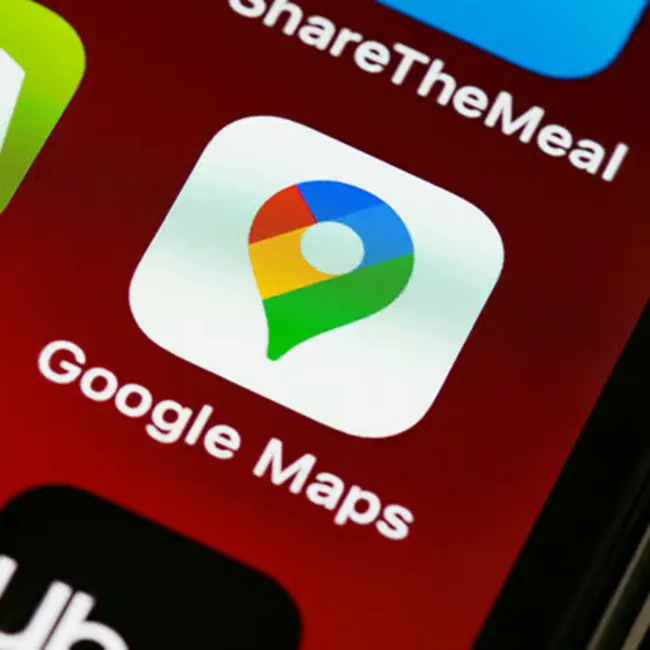
1. Excess Navigation Apps
For many people, they can hardly get through their day without using at least one navigation app, especially if they spend a lot of time in the car or travel frequently. However, it really is best to just have one on your phone, as they can easily take up storage and require a lot of power from your phone.
"They're constantly running processes in the background, such as checking GPS, Bluetooth, data, and your device's motion sensors," explains tech pro Steven Athwal. "Navigation apps also store large offline map files, which consume your phone's storage. These background processes and large storage consumption are causing high CPU usage and battery degradation. To combat, I'd try disabling background access for these apps."

2. Background App Refresh
If you're looking for an iPhone setting that can start saving some of your battery life almost instantly, it's Background App Refresh. It stops your busy and updating apps from working too hard behind the scenes, even when you don't have them open and aren't using them.
"The biggest hidden drains are Background App Refresh," adds Athwal. "If it's enabled, it'll update your apps even if you aren't using them. Social media, email, and news apps can repeatedly check for updates throughout the day, which keeps the phone's processor and network active. Turning this off for non-essential apps can really reduce passive battery drain."
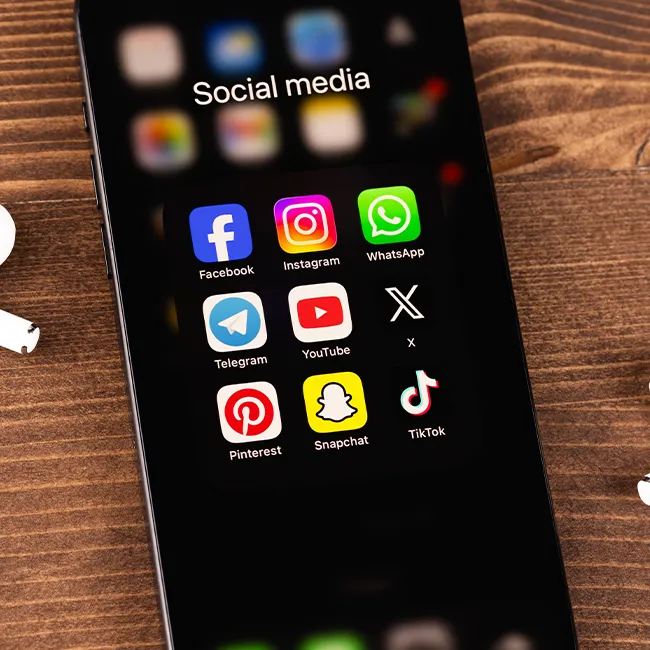
3. Snapchat
There are a good number of social media apps that can end up causing your phone to slow down or lose battery life quicker, but many tech pros would agree that Snapchat is one of the biggest culprits.
"Snapchat runs in the background continuously and checks for messages, new stories, it keeps using your camera, and tracks your location," says tech pro Amy Mortlock. "Users have reported their phones randomly lagging after they installed Snapchat, with multiple processes running even after closing the app."